
Stays in your browser
Your settings live in Chrome’s own storage. We don’t run servers that could collect them.
Browser tools by Lucidware
Lucidware builds focused Chrome extensions that do one job well. No tracking, no accounts, no servers—just software that stays out of your way.

Extension manager for Chrome
Every extension, one click away.
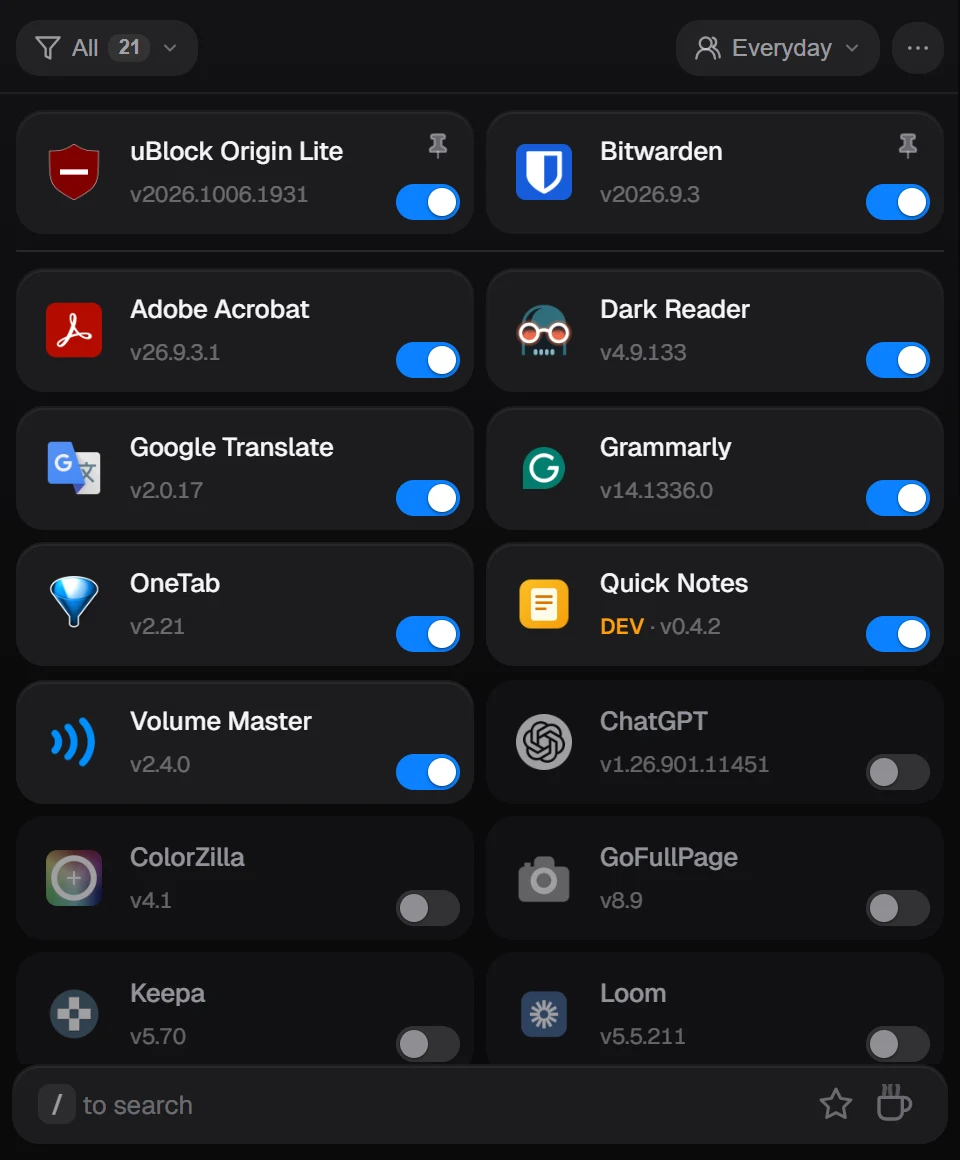
Turn extensions on and off, switch between saved setups, and find anything in seconds—without opening Chrome’s extensions page.
No tracking · No accounts · No servers
Every Lucidware tool follows the same simple rules.
Your settings live in Chrome’s own storage. We don’t run servers that could collect them.
CommandDeck asks for two: managing your extensions and saving its settings. It can’t read the websites you visit.
No analytics, no ads, no accounts. Not in our extensions, and not on this site.
Questions, bug reports, or ideas? Every message gets read.